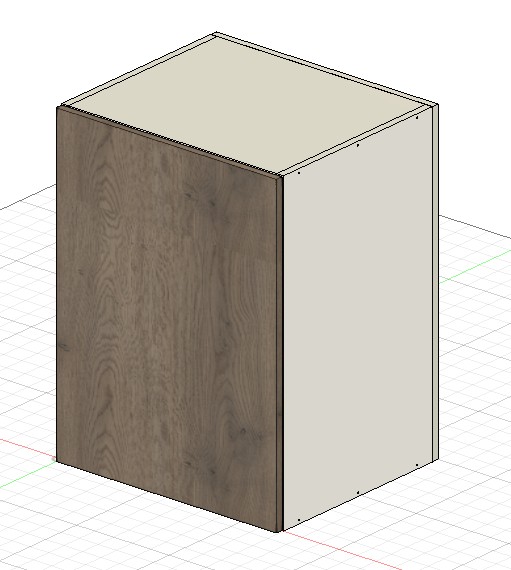
Create your own colour library based on the sheet materials you use. Use it to give your project colour and shape.
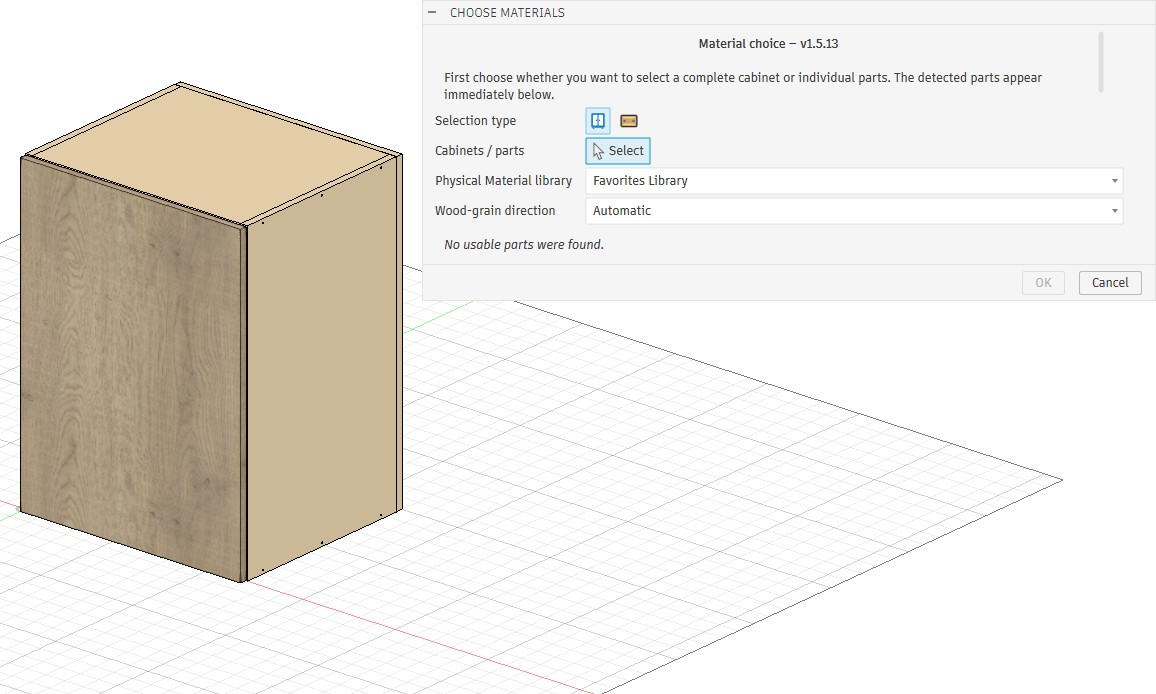
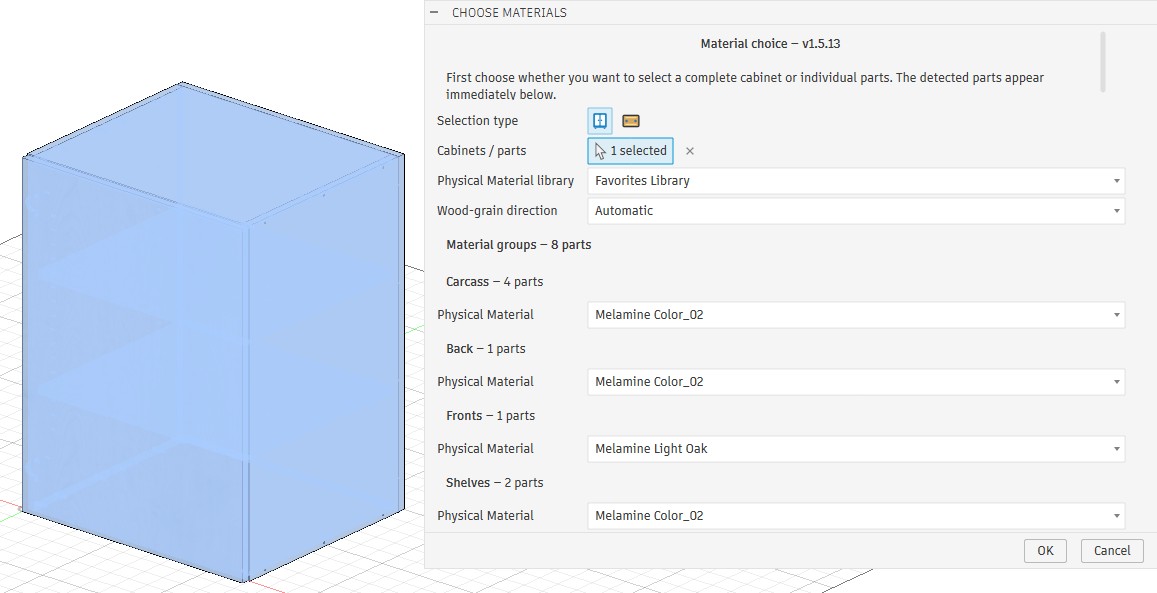
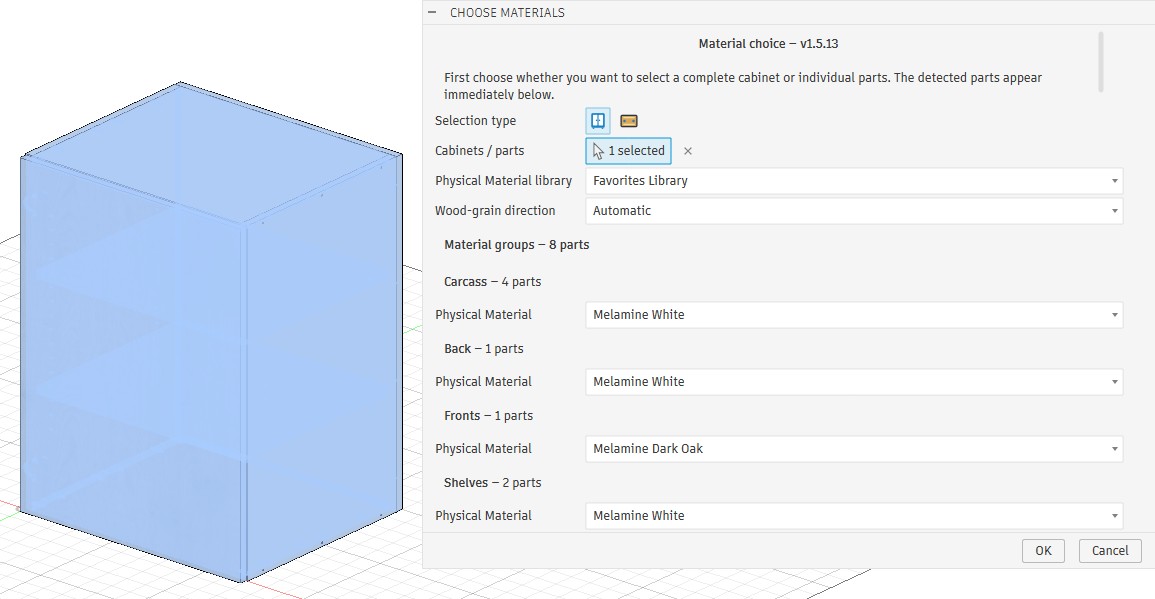
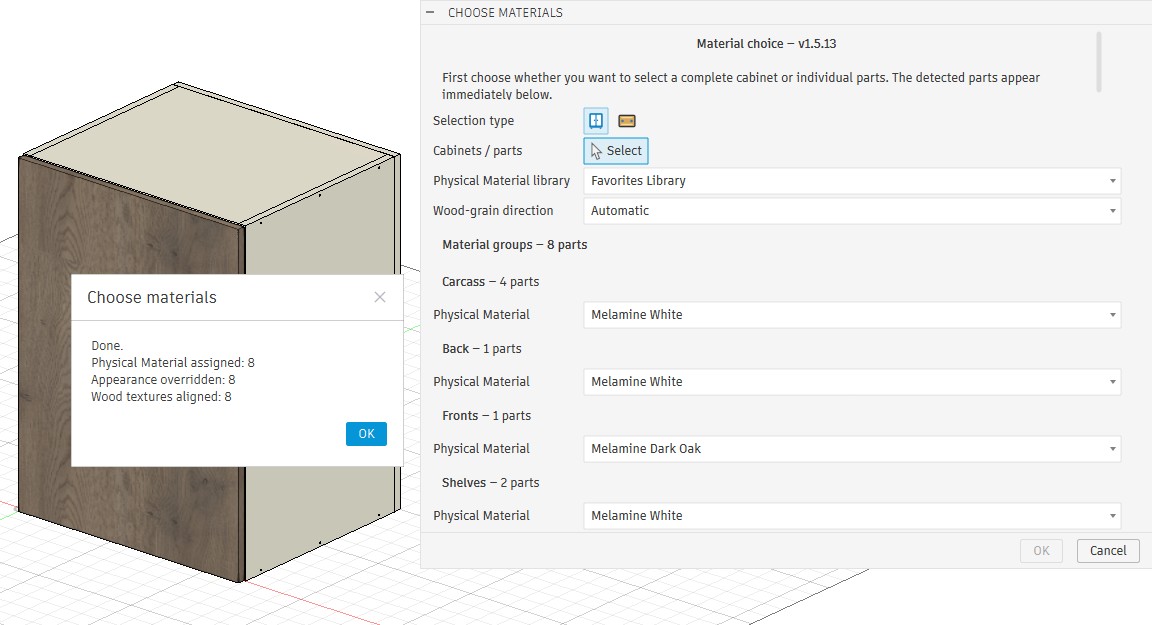
In Choose Materials, select a whole cabinet or individual panels. Review the detected material groups, choose a material for each group and set the grain direction. Click OK and inspect the result in the model.
Open Choose Materials and choose what to select.Select the cabinet. This example finds eight parts across the carcass, back, front and shelves.Choose the material for each group. This example uses dark oak for the front and white melamine elsewhere. Grain direction is set to Automatic.Click OK. The message shows how many parts were updated.Review the finished material combination in the model.